
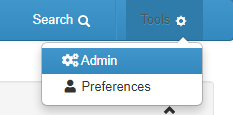
From the xCenta Dashboard, click on Tools > Admin in the top right of the screen.
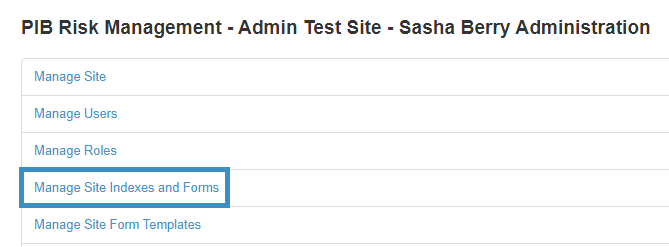
From the administration screen, click on Manage Site Indexes and Forms.
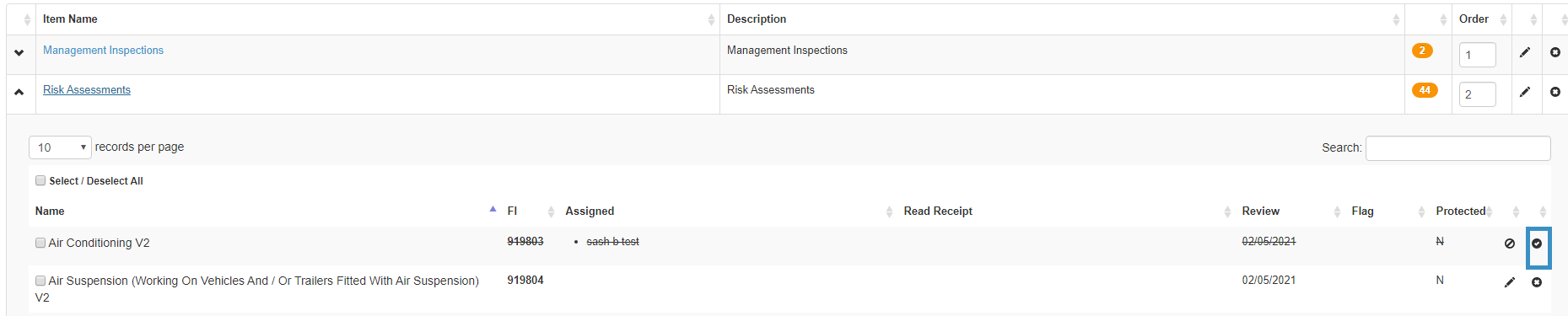
A new page will appear, click on the relevant index.

A new page will appear, click on the relevant sub index, find the relevant form and click the  icon.
icon.
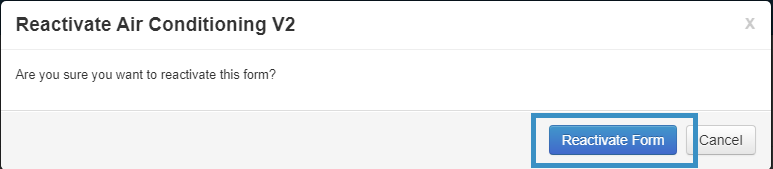
A new pop up will appear, click Reactivate Form.
If you are unable to follow these instructions, you may not have the required user permissions. Please contact your Site Administrator.